Apr 20th 2026
Why Your PoE Camera Keeps Dropping : 7 Common Causes
Index(Table of Contents)
- 1.Insufficient PoE Power Budget
- 2.Cable Distance & Voltage Drop
- 3.Poor or Damaged Ethernet Cable
- 4.PoE Switch Port Overload
- 5.Network Congestion & Bandwidth Issues
- 6.Environmental & Temperature Factors
- 7.Firmware & Compatibility Issues
-
-
PoE cameras that randomly drop offline are one of the most common service call headaches for installers and integrators. The camera powers up, disappears from the NVR, reconnects and then drops again. In many cases, the camera gets blamed, replaced, and the problem still isn’t solved.
The reality? Most PoE camera dropouts are caused by power delivery, cabling quality, or switch limitations - not defective cameras. As higher‑resolution, IR‑heavy, and multi‑sensor cameras become standard, margins for error in PoE infrastructure get smaller.
In this guide, we break down the 7 most common reasons PoE cameras keep dropping, how professional installers identify the root cause, and what equipment choices help prevent repeat service calls.
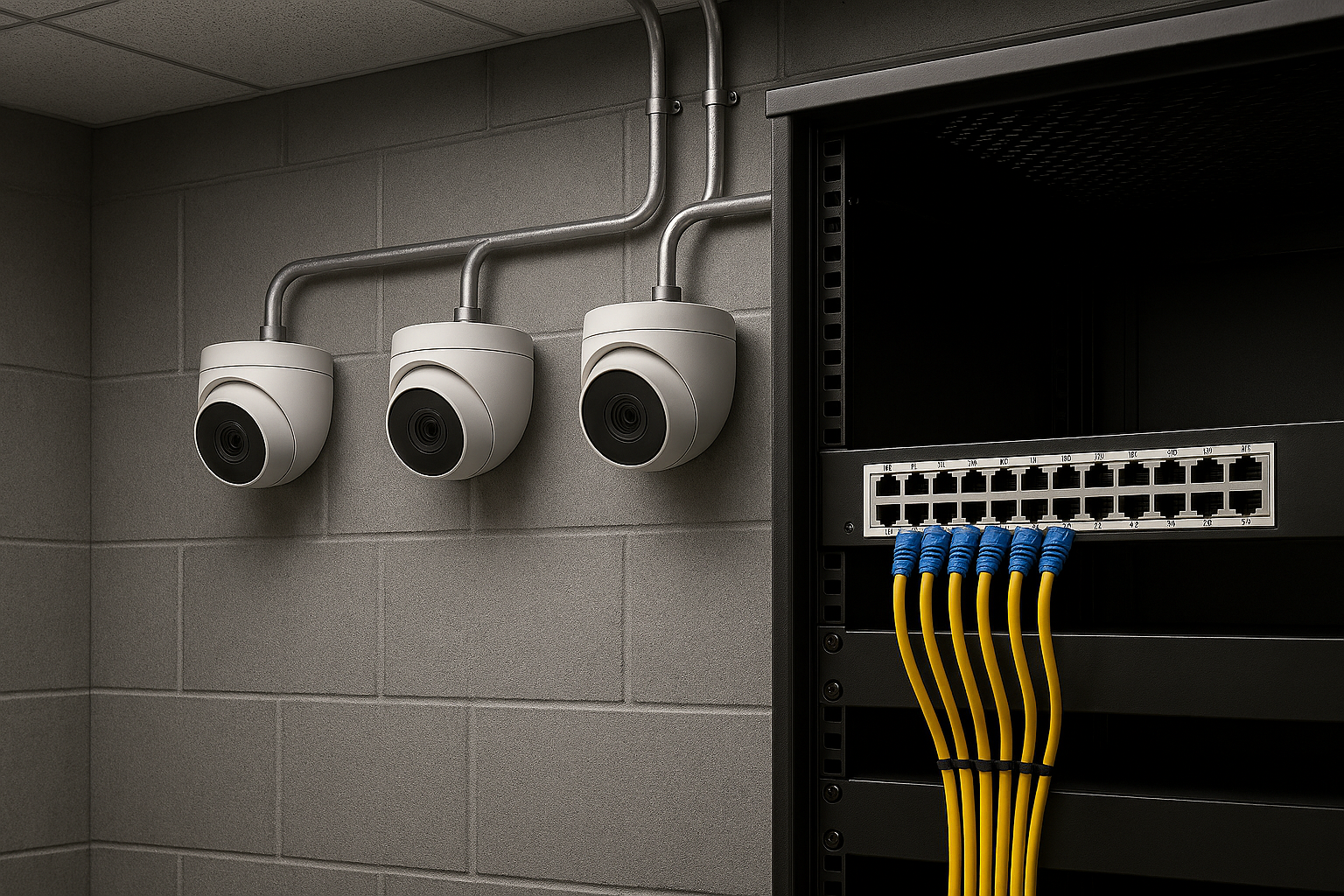
1. Insufficient PoE Power Budget
Symptom: Camera powers on, then reboots or drops offline
Common Scenario: IR LEDs turn on at night and camera disconnects
Many PoE cameras—especially IR, PTZ, or multi‑sensor models—draw more power than expected. If your switch can’t supply enough wattage, the camera will cycle or shut down.
Installer Fix:
-
- Verify camera power class (PoE, PoE+, PoE++)
- Check total switch power budget vs. connected devices
- Upgrade to a higher‑wattage PoE switch when needed
Tip: Nighttime dropouts almost always point to IR power draw issues
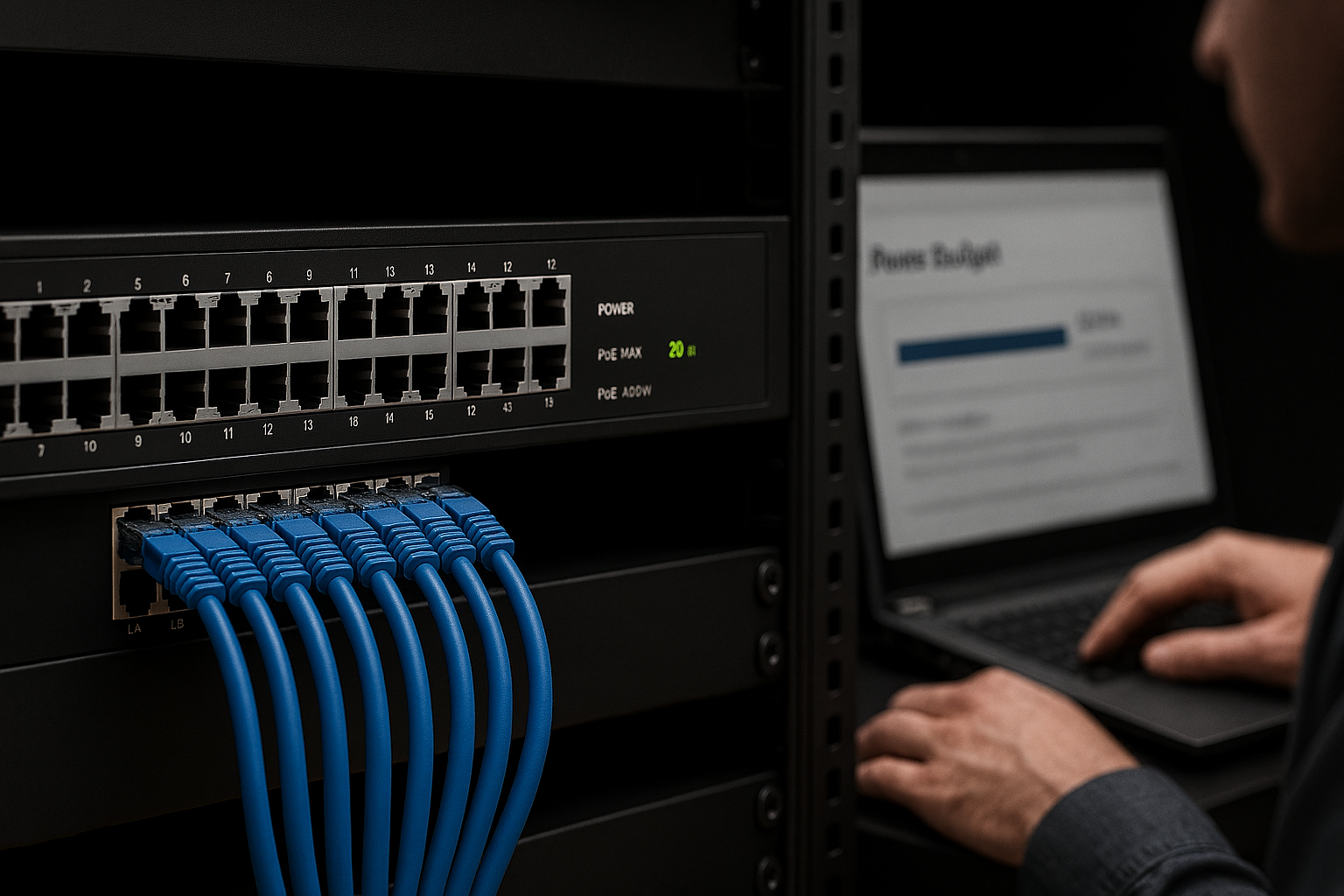
2. Cable Distance & Voltage Drop
Symptom: Camera works intermittently or only during testing
Cause: Ethernet run exceeds 328 ft (100m) or uses poor copper quality
Long cable runs introduce voltage loss, especially with higher‑power cameras.
Installer Fix:
-
-
- Stay within TIA/EIA 568 distance limits
- Use solid‑copper Cat6, not CCA (copper‑clad aluminum)
- Add a PoE extender or midspan injector when needed
-
3. Poor or Damaged Ethernet Cable
Symptom: Random drops, packet loss, or unstable video
Common Causes:
-
-
- Kinks, tight bends, or staples
- Outdoor UV exposure
- Moisture ingress
-
Even a single damaged pair can destabilize PoE delivery.
Installer Fix:
-
-
- Certify cable with a tester
- Replace questionable terminations
- Use outdoor‑rated or gel‑filled cable when required
-
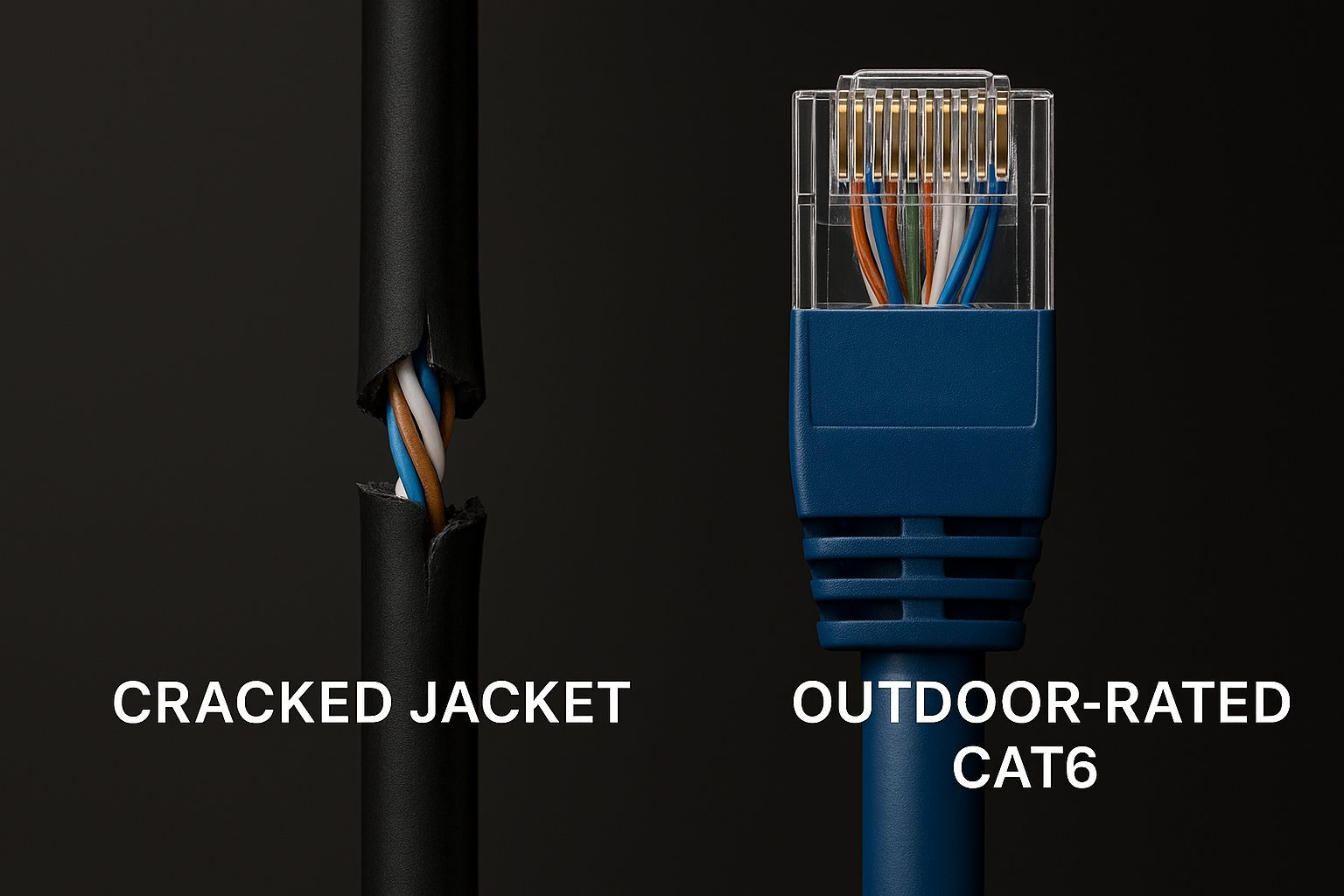
4. PoE Switch Port Overload
Symptom: One camera drops when another is plugged in
Cause: Switch dynamically reallocates power and cuts ports
Some switches oversubscribe PoE power across ports.
Installer Fix:
-
-
- Check per‑port watt limits
- Avoid maxing out all ports simultaneously
- Distribute cameras across multiple switches if needed
-
5. Network Congestion & Bandwidth Issues
Symptom: Camera shows “offline” but has power
Cause: Network saturation or improper VLAN setup
High‑resolution cameras consume more bandwidth than many networks anticipate.
Installer Fix:
-
-
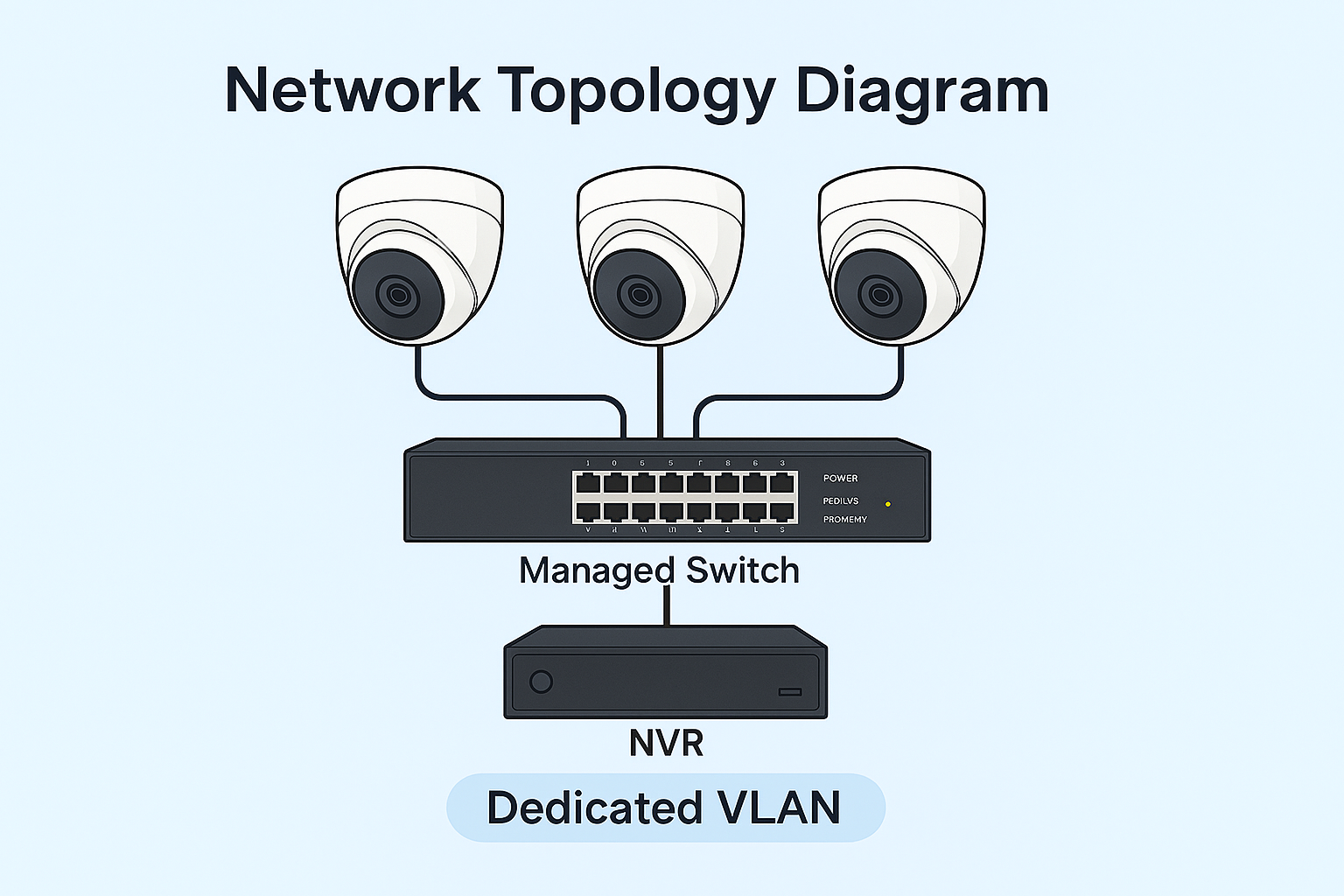
- Place cameras on a dedicated VLAN
- Use managed switches with QoS
- Avoid running cameras on office or guest networks
-
6. Environmental & Temperature Factors
Symptom: Camera drops only in extreme heat or cold
Cause: Power components reacting to temperature swings
Outdoor and attic‑mounted cameras are especially vulnerable.
Installer Fix:
-
-
- Verify camera operating temperature range
- Use outdoor‑rated enclosures
- Ensure adequate ventilation for switches and injectors
-
7.Firmware & Compatibility Issues
Symptom: Camera randomly disconnects despite clean power
Cause: Firmware bugs or ONVIF incompatibility
Mixing brands can introduce subtle stability problems.
Installer Fix:
- Update camera and NVR firmware
- Confirm ONVIF profile compatibility
- Avoid mixing unmanaged PoE switches with advanced cameras
Installer Checklist: Stop PoE Camera Dropouts
| CHECK ITEM | YES or NO |
|
Cable under 100m |
⬜ |
| Solid copper Cat6 | ⬜ |
| Switch power budget verified | ⬜ |
| Correct PoE class | ⬜ |
| Dedicated camera VLAN | ⬜ |
| Firmware up to date | ⬜ |
Final Thoughts for Installers & Integrators
Most PoE camera dropouts are power and infrastructure problems—not bad cameras.
By validating power budget, cabling quality, and switch capability, installers can eliminate 90% of instability issues before a system goes live.